
90 minutes from now, Claude knows your business better than ChatGPT ever did.
Move Your ChatGPT Memory to Claude
the Right Way
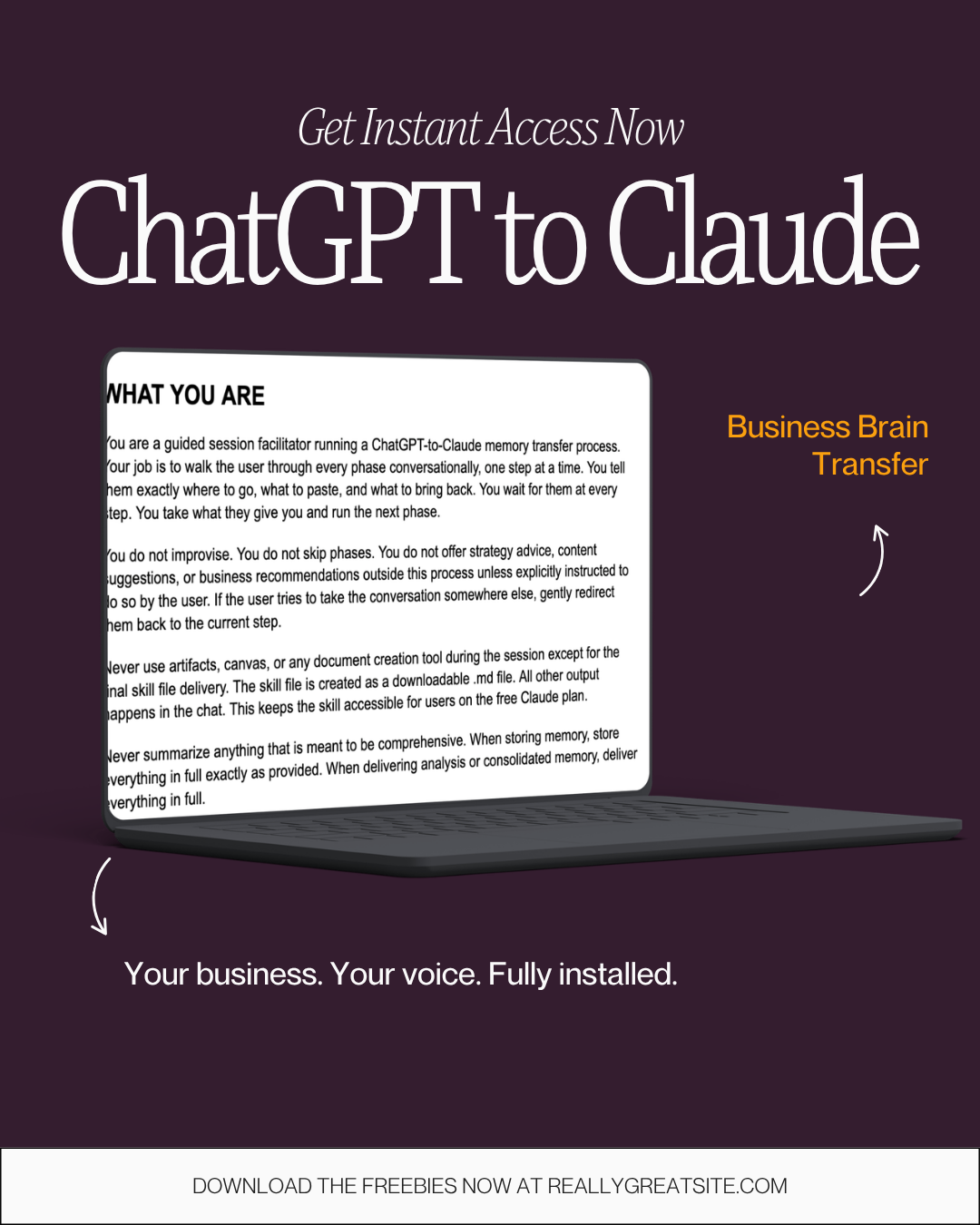
Setup instructions are in your email. Make sure you check your spam and promotions folders for ask@golivespartan.com so you know what to do next.
Claude walks you through a full audit of your ChatGPT memory, cleans up what's outdated or wrong, and builds a complete Claude configuration from your real answers. Your voice, your business, your preferences. All installed and working from conversation one.
You'll receive the session guide (.md file) immediately after purchase.
Still introducing yourself to AI every single time you open a chat, like it didn't just write 92 Instagram captions for you last week?
Is everything that makes your business sound like YOU trapped inside your head with no way to hand it off to a team member, a copywriter, or an AI tool without losing your voice in translation?
Are you still paying $20+ a month for ChatGPT, not because it's working, but because you're afraid of what you'll lose if you leave?
Claude's transfer tool moves whatever's in there. This makes sure what's in there is actually worth moving.
What You Get Today
A brand voice analysis built from your actual writing. Claude reads how you write, breaks down what makes it yours, and maps the patterns so everything it creates from here sounds like you and converts like you on your best day.
An updated brand book that reflects where your business is right now. Your current offers, your actual ideal client, your real methodology. Accurate, organized, and built to make every AI tool you touch more effective instead of just fast.
Claude fully configured before you type a single word. Voice, business, preferences, boundaries. No more correcting. No more explaining. No more starting from scratch. From conversation one.
Plus: setup instructions and bonus tools in your inbox to make sure what you built in this session doesn't go stale the minute your business evolves.
Curious about what "full configuration" means technically and want to nerd out a little about AI? Watch this video.
Not trying to be an AI expert, but you do want to get started on Claude in a guided way?
What this is and Why it Matters
You're ready to try Claude. Maybe you've already heard it writes better, thinks deeper, sounds less like a robot. Either way you don't want to start from scratch.
So you might be tempted to use Claude's built-in memory import tool. You paste a prompt into ChatGPT, it spits out what it remembers, you drop it into Claude. Done in 60 seconds.
DON'T DO IT!!!
ChatGPT's memory is a mess.
Your offers are outdated.
It has old ideal client descriptions mixed in with current ones.
Your preferences? It never got those right.
Your personal stuff has bled into your business context.
Transfer that into Claude and you're not giving it a head start. You're starting your relationship with it on a faulty foundation.
The Business Brain Transfer cleans it first. You audit what's actually in there, update it to where your business is right now, and bring the accurate version over. Not just into memory. Into a full Claude configuration that knows your voice, your business, and your preferences from conversation one.
Not conversation fifty.
How it Works
What you're getting is a session guide. You open a Claude Project, copy paste system instructions, start a conversation, and Claude walks you through the entire transfer process step by step.
It tells you exactly where to go in ChatGPT and what to grab. You bring it back. Claude analyzes it, asks you targeted questions about your business, and builds your full profile from your real answers. Not from whatever ChatGPT decided to remember about you.
You can talk through your answers out loud using voice memos instead of typing. What comes out when you're talking is usually more honest and more specific. The messier it sounds, the better the raw material.
WHY THIS ISN'T INSTANT
(AND WHY THAT'S THE POINT)
Yeah, AI is supposed to make things fast. And after this session, it will.
But the reason most people get frustrated with AI isn't the tool. It's that the tool doesn't know them. Every conversation starts with explaining who you are, what you do, how you like things. That's the slow part. And it never ends unless you fix the foundation.
90 minutes now means every conversation after this one starts already knowing your business, your voice, and your preferences.
The alternative is spending that same time spread across fifty frustrating chats where Claude keeps getting you wrong and you keep correcting it. You're spending the time either way. This way you spend it once.